Search


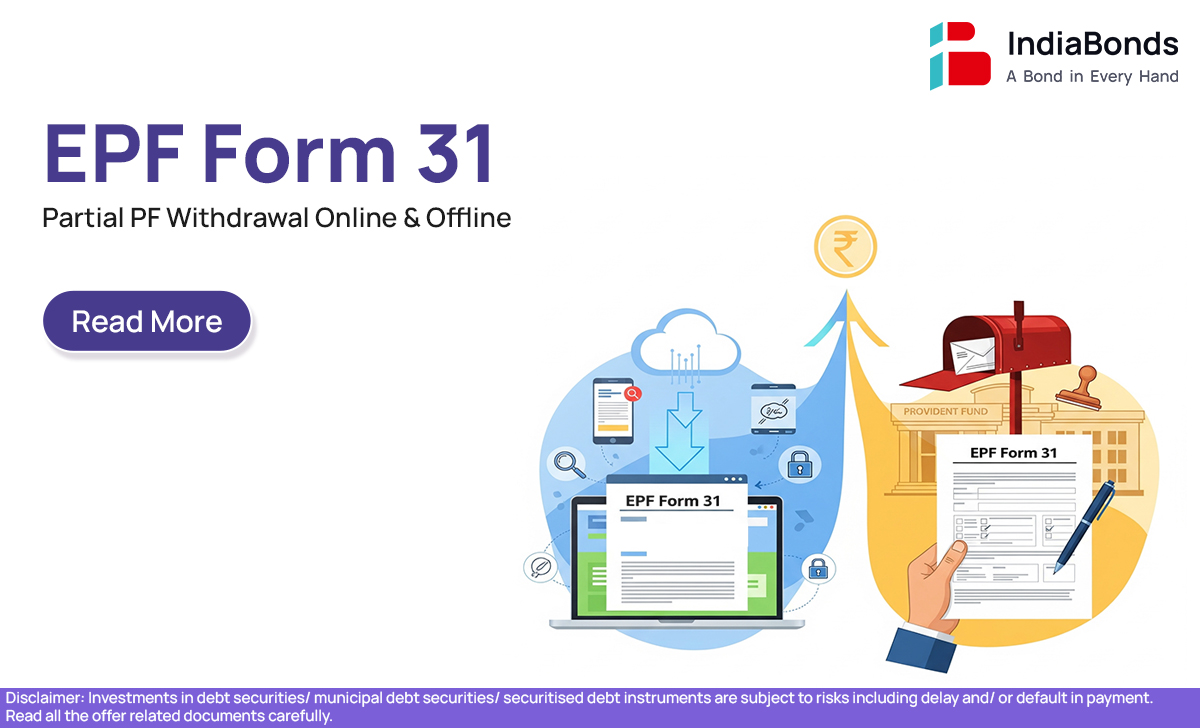
EPF Form 31 – Partial PF Withdrawal Online & Offline
 35.59K
Introduction
You know that small cut from your salary every month that goes into your PF? It may seem like it quietly disappears — but it’s actually building up to support you later in life.
But what if you need that money now? Maybe there’s a medical emergency, your child got into college, or you’re planning to buy a house.
That’s where EPF Form 31 comes in.
It allows you to take out a part of your PF savings — without leaving your job. Sounds useful? Let’s make it super easy to understand.
EPF Form 31 – Partial Withdrawal
EPF Form 31 is a way to withdraw part of your PF money for specific reasons — while you’re still employed. It’s not meant for pulling out the full amount, but just enough to help in situations that matter.
Think medical bills, education fees, marriage expenses, home repairs, or even loan repayment — this form covers them all. And yes, you’re allowed to use it even if you’re still working.
When Can EPF Funds be Withdrawn?
You can’t just take money out of your PF anytime for anything — but if you have a valid reason, and meet a few conditions, it’s totally doable.
Here’s a quick and simple look at when and how much you can withdraw:
| Why You Need It | How Long You’ve Worked | How Much You Can Withdraw |
| Medical treatment | No minimum | Up to 6 months’ salary or your full contribution |
| Wedding or higher studies | At least 7 years | Up to 50% of your contribution |
| Buying a house | Minimum 5 years | Up to 36 times your monthly salary |
| Repaying home loan | At least 10 years | Up to 90% of your EPF balance |
| Natural disaster help | No minimum | ₹5,000 or 50% of your share (whichever is lower) |
So if you’re facing any of these situations — you’re eligible to apply.
How to Download EPF Form 31
Want to apply the old-school way (offline)? You’ll need the physical form.
Here’s how to get it:
- Visit epfindia.gov.in
- Go to the Downloads section
- Look for Form 31 under ‘Claim Forms’
- Download and print it out
That’s it. You’re ready to start your offline claim.
The Procedure of Filing for Withdrawal through EPF Form 31
Before you apply — online or offline — make sure these things are in place:
- Your UAN (Universal Account Number) is active
- Your KYC is complete — Aadhaar, PAN, and bank details should be verified
- You have any supporting documents (like hospital bills or home papers) ready
Once you’ve checked all that, you can file your claim using either method.
Submission of Physical Application Through Form 31
If you prefer to do things on paper, here’s how:
- Fill out the printed Form 31
- Attach the necessary documents
- Get your employer’s signature and stamp
- Submit it to your local EPFO office
This route takes a bit more time but works well if your KYC isn’t updated or you’re more comfortable doing things in person.
Submission of Online Application for Withdrawal from EPF
If your KYC is already updated, the online process is faster and easier. Here’s how it works:
- Go to the EPFO Member Portal
- Log in with your UAN and password
- Click on Online Services → Claim (Form-31, 19, 10C & 10D)
- Check if your KYC info is showing correctly
- Select Form 31 and choose your reason for withdrawal
- Fill in the details, upload documents (if needed), and submit your request
If all goes well, the money will hit your bank account within 7 to 10 working days.
FAQ
1. Is Form 31 filled for partial EPF withdrawal?
Yes! Form 31 is specifically meant for partial withdrawals. You don’t have to leave your job — just apply for the amount you need, for valid reasons like medical treatment, education, or home-related expenses.
2. How to withdraw PF amount offline online?
You’ve got two options:
- Offline: Download and fill out Form 31, attach your documents, get your employer’s sign, and submit it to the EPFO office.
- Online: Log in to the EPFO portal, select Form 31, and submit everything digitally. No need for your employer’s signature if your KYC is done.
3. Can I withdraw a partial amount from PF online?
Yes, absolutely. If your KYC is updated and your reason fits the EPFO rules, you can submit the form online and get your money directly in your bank account.
4. How can I withdraw my PF Form 31 online?
Simple — log into the EPFO portal using your UAN. Under Online Services, choose Claim, pick Form 31, enter your reason, and submit. The money usually comes through in 7–10 working days.
Conclusion
Life doesn’t always go as planned — and that’s okay. That’s exactly why EPF Form 31 exists.
Whether it’s an unexpected bill or a major milestone, you can tap into your PF savings without quitting your job. Whether you prefer applying online or offline, the process is made to support you when you need it most.
It’s your money. Use it when it really matters.
Disclaimer : Investments in debt securities/ municipal debt securities/ securitised debt instruments are subject to risks including delay and/ or default in payment. Read all the offer related documents carefully.
35.59K